
7/05/2026
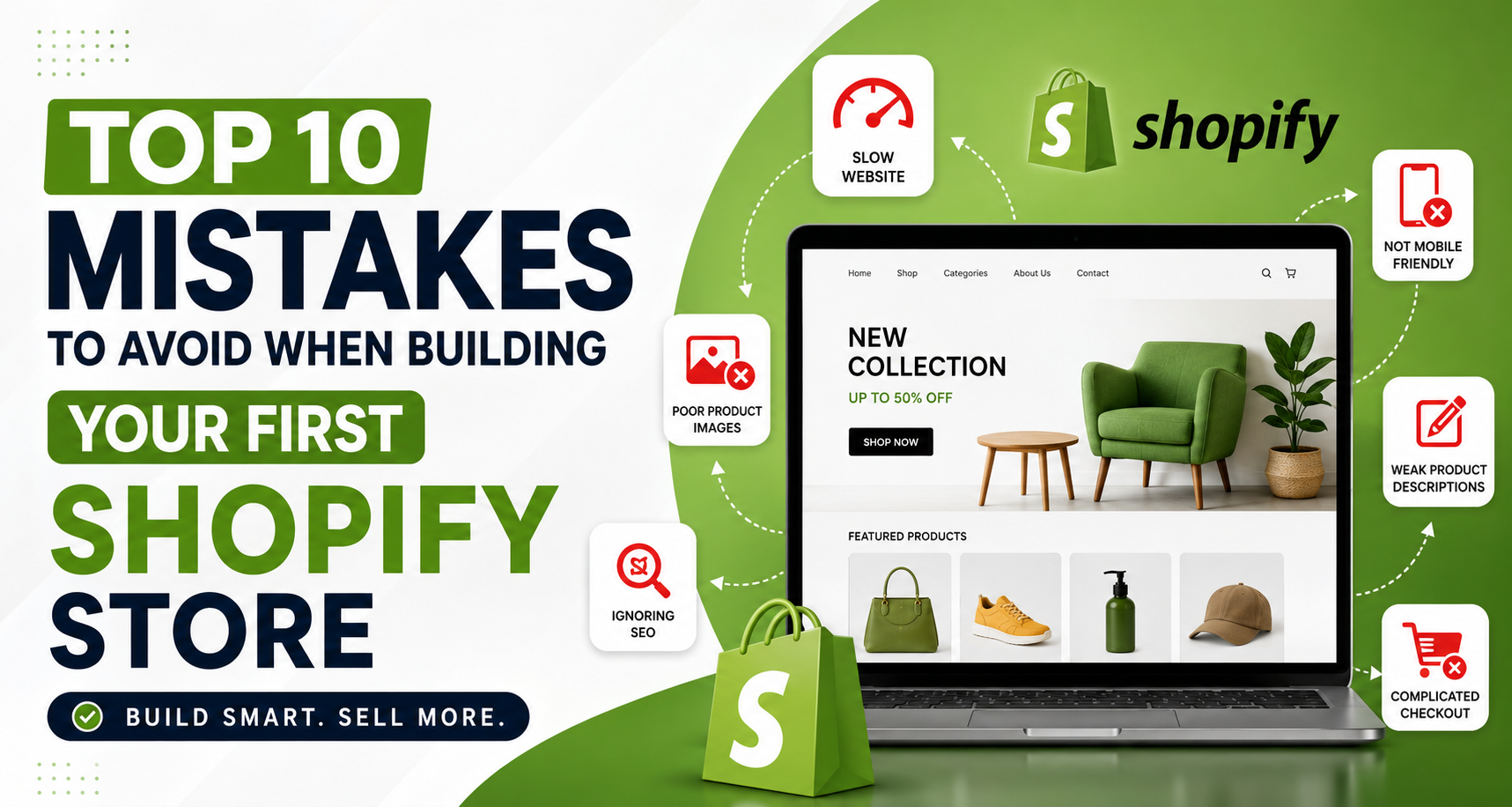
Your Shopify store is more than just a website. It acts as:
A poorly designed store can increase bounce rates and reduce conversions, while a professionally optimized Shopify store can improve customer trust and boost sales.
One of the biggest beginner mistakes is selecting a theme based only on looks.
Many new store owners install heavy themes with unnecessary animations, sliders, and features that slow down the site.
A jewelry brand using a bulky theme with large video banners may look premium on desktop but become extremely slow on mobile devices.
Choose a lightweight, conversion-focused Shopify theme that is:
Minimal themes usually perform better than overly complicated designs.
Over 70% of Shopify traffic comes from mobile users. Yet many beginners only design their store for desktop screens.
A dry fruits store may have beautiful desktop banners, but if product images overlap on mobile, customers leave immediately.
Always test your store on:
Make sure:
Customers cannot physically touch your product online. Your product photos become your sales tool.
Blurry or inconsistent images instantly reduce trust.
Good product photography can:
If you sell almonds, makhana, or dry fruits, poorly lit photos in random backgrounds can make premium products look cheap.
For Shopify, square images like 2048×2048 px often work best.
Many beginners simply copy supplier descriptions or write one-line product details.
That’s a major mistake.
“Premium Almonds – Healthy and tasty.”
This tells the customer almost nothing.
“Premium California Almonds rich in protein, fiber, and healthy fats. Perfect for daily snacking, fitness diets, and gifting.”
Explain what the product offers.
Tell customers why it matters.
Help customers imagine using the product.
Naturally include search terms customers use.
People buy from brands they trust.
If your store lacks trust-building elements, visitors may hesitate to place orders.
A new skincare brand with no reviews and no return policy looks risky to first-time buyers.
Add:
These small additions can dramatically improve conversions.
Your visitors should find products easily within seconds.
Confusing menus frustrate users and reduce sales.
A jewelry store with 20 menu options on mobile creates decision fatigue.
Simple navigation improves user experience and boosts conversion rates.
Many beginners launch their store without optimizing for search engines.
This means missing free organic traffic from Google.
Use keyword-rich titles.
Write compelling descriptions.
Describe product images properly.
Keep URLs clean and readable.
Instead of:
yourstore.com/product123
Use:
yourstore.com/premium-roasted-makhana
Good SEO helps your Shopify store:
A complicated checkout process kills sales.
Even interested customers abandon carts if checkout feels difficult.
Enable:
If a customer cannot quickly pay using UPI, cards, or wallets, they may leave instantly.
Many first-time store owners rush to launch without proper testing.
This creates broken experiences for customers.
Check descriptions, pricing, and images.
Place test orders.
Test every section.
Use performance testing tools.
Ensure all buttons work correctly.
A “Buy Now” button not working on mobile can silently destroy your sales.
Many beginners spend weeks making the store “look cool” but forget the real goal: sales.
A visually attractive store without strategy will not convert effectively.
Good design supports conversions — it should never distract from them.
You do not need a perfect website on day one.
Launch fast, then improve based on customer feedback.
Avoid selling too many unrelated products initially.
Track:
Use consistent:
Building your first Shopify store can feel overwhelming, but avoiding these common mistakes will save you time, money, and frustration.
The most successful Shopify stores focus on:
Remember: your first version does not need to be perfect. It simply needs to work well and create a smooth customer experience.